A short checklist for matching your receiving details to the network used by the sender.

The asset name is only the first check
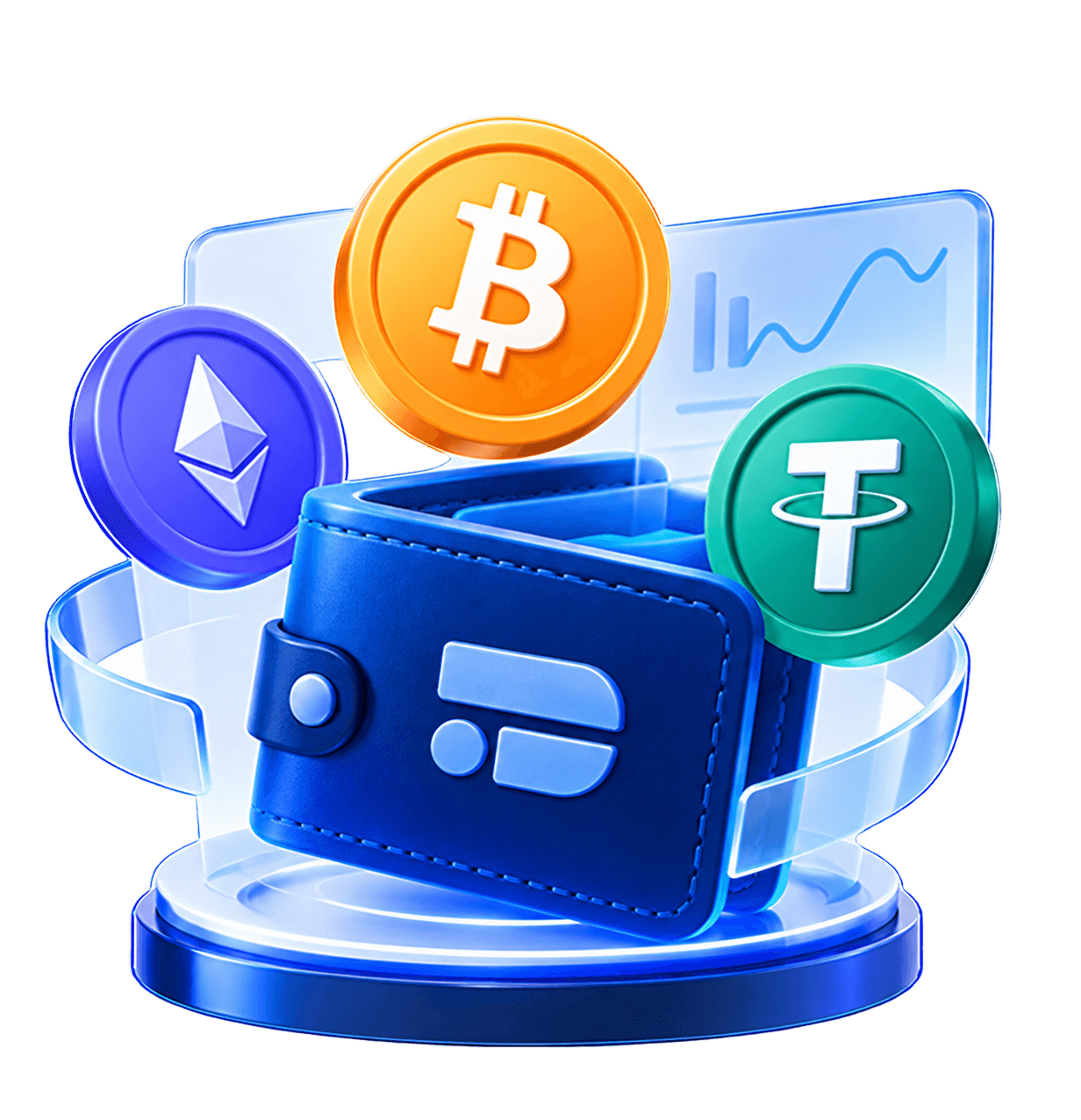
A crypto asset can be available on more than one blockchain network. Selecting Tether, for example, does not by itself tell a sender which network to use.
Use a receiving network offered for that asset in your Davochain account. The sending network must match the selected receiving network; an address that looks familiar is not proof that another network is supported.
Copy the full receiving details
Check the selected asset and network before copying or sharing an address. Include a memo or tag if the receiving screen requires one.
Compare the address on the sending app with the receiving details. Do not use an address from an unrelated asset or an old screenshot without checking it again.
A sent transfer is not always a credited deposit
Network processing and the receiving service can take time. Keep the transaction reference so you can check its progress.
If a transfer has not appeared, check the transaction and network details before sending a second transfer. Never assume that a transfer on an unsupported network can be recovered.